Transforming Aspirations - Through and beyond MBA Excellence

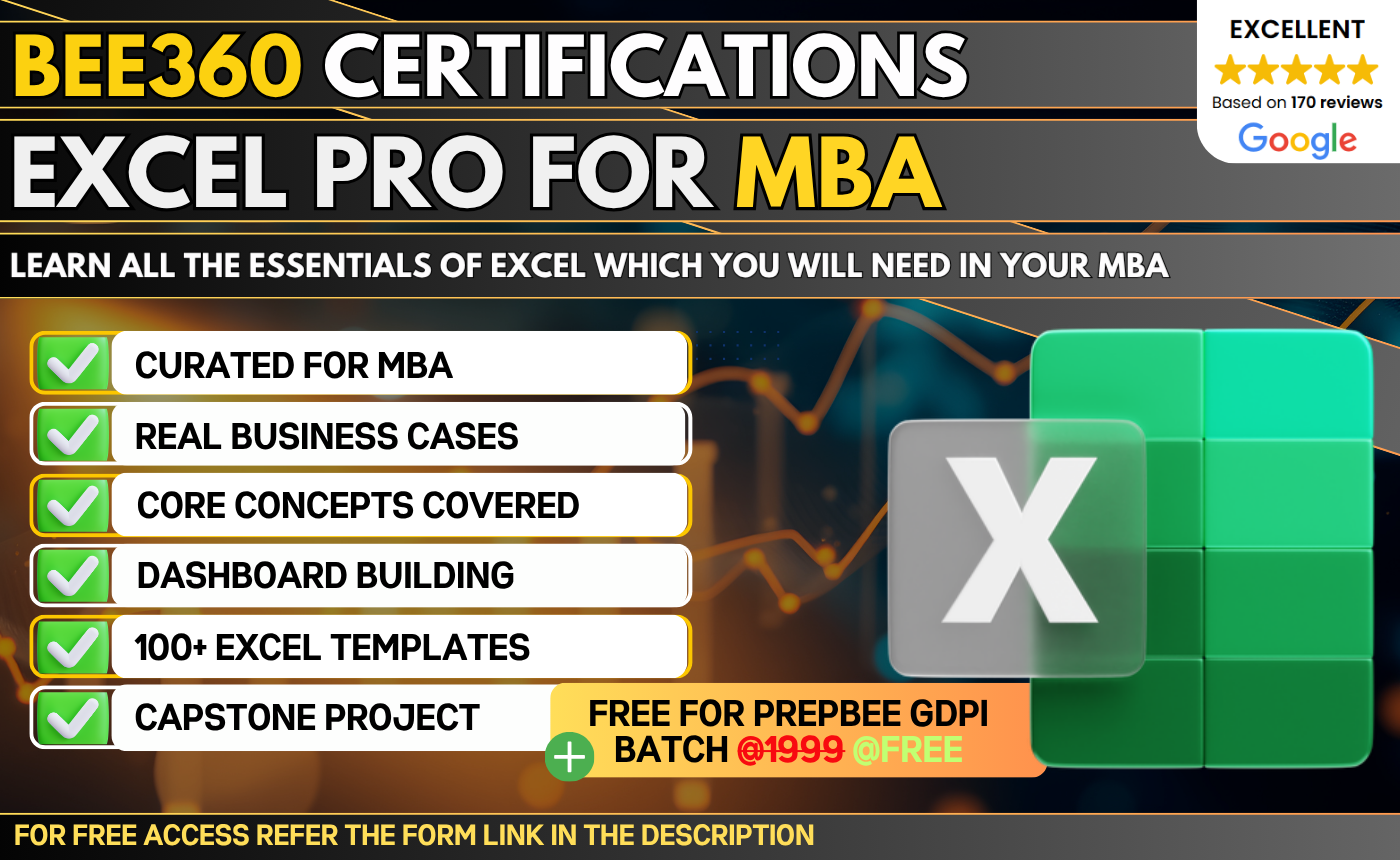
A focused Excel course designed for MBA students to build proficiency in core functions and tools used for handling and analyzing business data.…
 Bestseller

A focused Excel course designed for MBA students to build proficiency in core functions and tools used for handling and analyzing business data. The course covers essential concepts required to work efficiently with datasets and perform structured analysis using Excel.
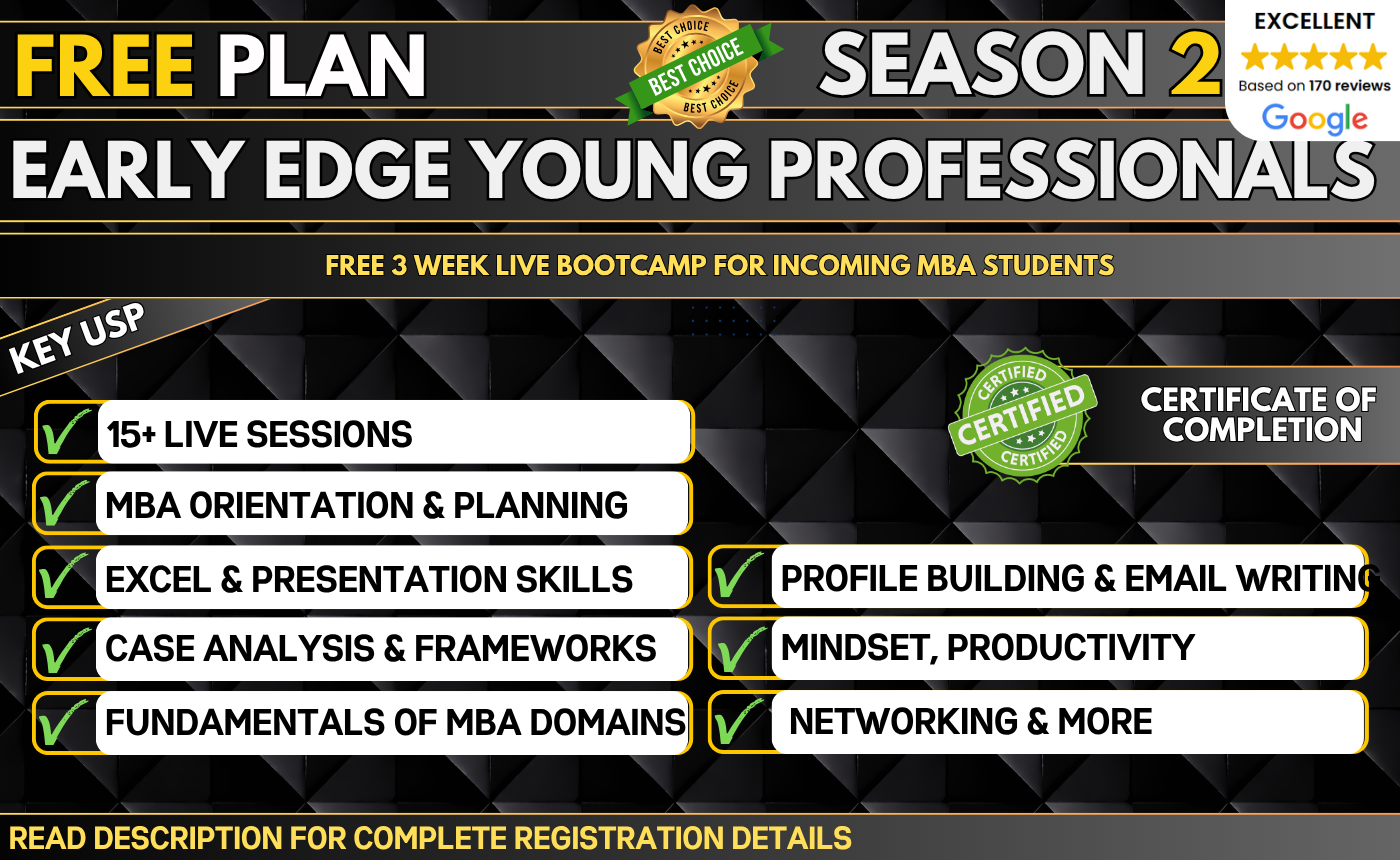
Early Edge – Young Professionals Premium 3-Week Pre-MBA Bootcamp Build the Skills,.

This certification program bridges academic L&D concepts with real-world enterprise decision-making. Rather.
Don't have an account? Register Now